 Easten Mediatech
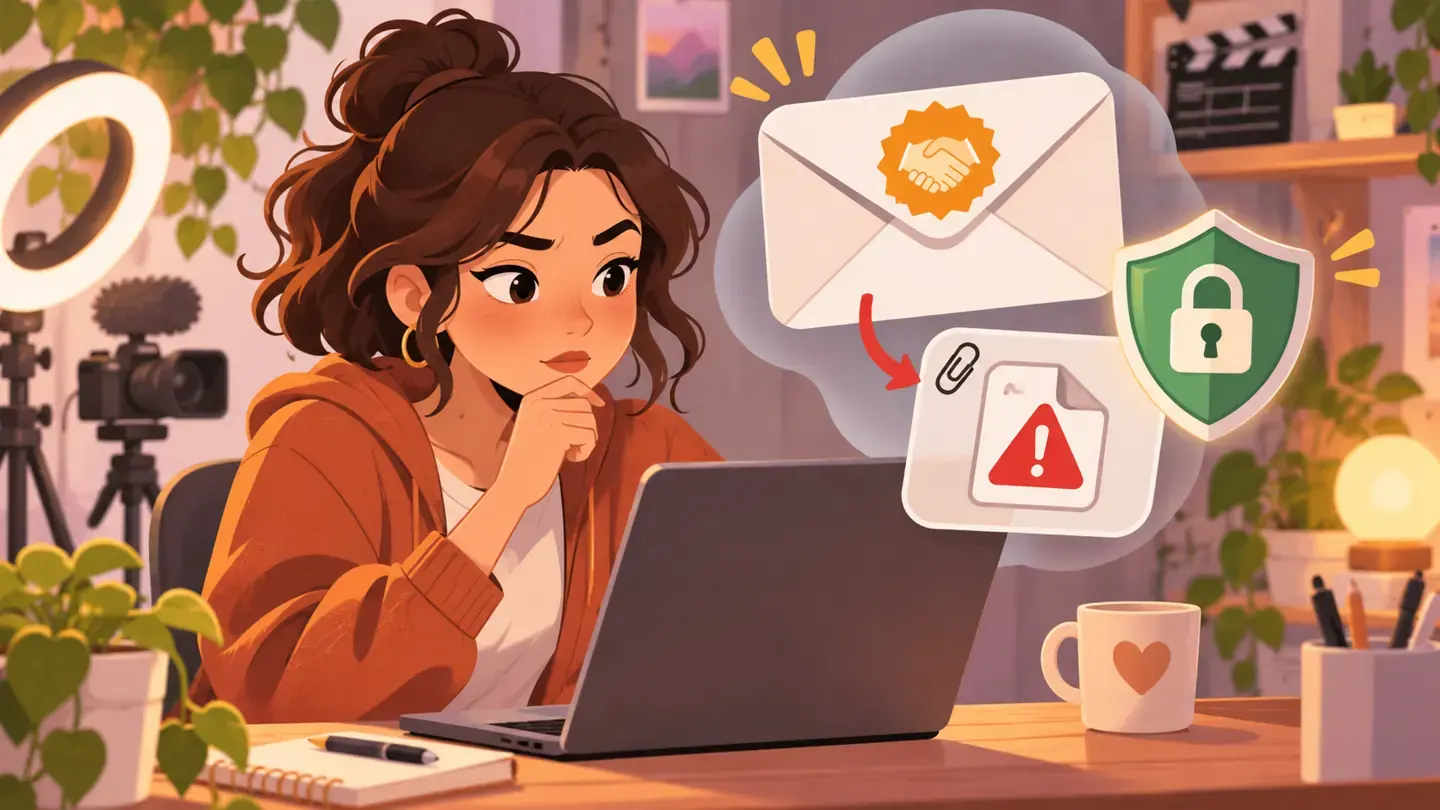
Why a good-looking offer can still be risky
A brand email can mention your real channel and still come from someone impersonating the company.
YouTube has warned creators about fake sponsorship files that may contain malware.
The goal is often account access, not a genuine campaign.
Treat urgency and an unexpected download as reasons to pause, not as proof of a valuable opportunity.
Check the sender outside the email
Find the brand's public website and contact details independently.
Call a listed number or contact a person you already know there before opening an attachment.
A familiar display name is not enough; look carefully at the actual sender domain.
Do not use the phone number or verification link supplied only inside the suspicious message.
Protect the channel itself
Use strong account protection, including two-step verification and a passkey where available.
Give collaborators channel permissions instead of sharing your main Google password.
Remove access that former team members no longer need.
YouTube says it will not ask for your password through email, messages or phone calls.
A safer reply workflow
Ask for campaign goals, deliverables, payment terms and a verified contact before downloading files.
If a request feels suspicious, stop and use official reporting or account-security guidance.
The few minutes spent verifying a deal can protect the audience and work you have built.
Sources
- YouTube Help: Channel security tipsDate not stated
- YouTube Help: Safety tips and resources for creatorsDate not stated
- TeamYouTube: Protecting channels from fake brand deal scams2025-07-28